
Let's be honest for a second. We've all been there: crammed into an airplane seat, a high-speed train, or a coffee shop, trying to be productive or watch a movie on a cramped laptop screen. Your neck cramps, your field of vision is restricted, and anyone sitting next to you can see exactly what you're typing.
For years, the promise of augmented reality (AR) glasses felt like a sci-fi gimmick — clunky, overpriced prototypes that belonged in a laboratory rather than a backpack. But hardware is finally catching up to the ambition.
Enter the XReal Air 1S.
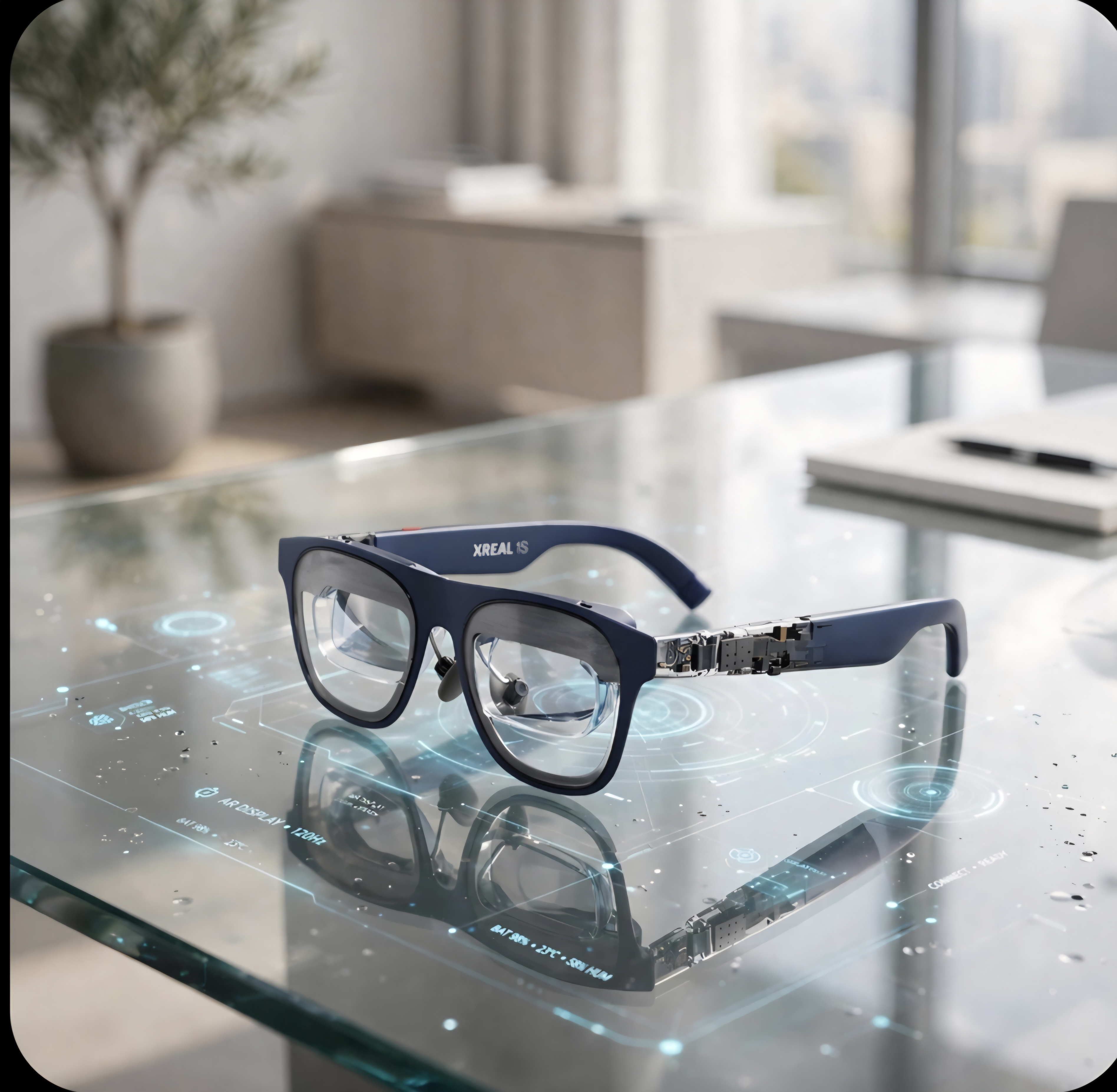
If you haven't looked into wearable displays lately, you might be picturing massive, blocky VR headsets that isolate you from the world. The XReal Air 1S throws that concept out the window. They look and feel remarkably like a pair of stylish, slightly tinted everyday sunglasses, yet they project a massive, crystal-clear virtual screen right in front of your eyes.
Whether you're a digital nomad looking to escape multi-monitor desk setup envy, a gamer wanting a massive display on the go, or a complete beginner wondering what all the fuss is about, let's pull back the curtain on what these glasses actually do — and why they represent a massive shift in personal tech.
What Is a Wearable Virtual Display (And Why Should You Care)?
To understand the XReal Air 1S, you first need to understand what it isn't. It is not a standalone virtual reality headset that cuts you off from reality. It doesn't run its own heavy operating system or trap your face in plastic foam.
Instead, think of it as a private, ultra-portable high-definition monitor that plugs directly into the devices you already own.
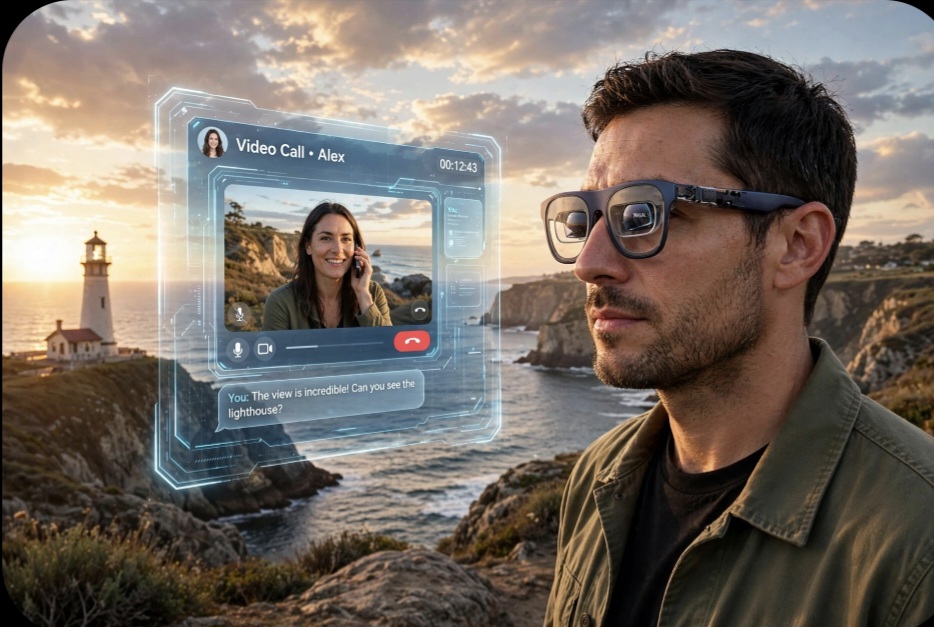
Using dual micro-OLED optical panels positioned just above your line of sight, the glasses project a massive virtual screen — often equivalent to viewing a 130-inch television from a few feet away — that floats seamlessly in your field of view. Because it's transparent, you can still see your physical surroundings, meaning you won't trip over your luggage or lose track of your environment.
For beginners stepping into this space, the use cases are straightforward:
- The Travel Workstation: Plug them into a compatible laptop (like a MacBook) or a smartphone via a single USB-C cable, and instantly open a massive, private workspace anywhere in the world.
- The Portable Gaming Rig: Connect them to a Steam Deck, Nintendo Switch, or ROG Ally for a theater-sized gaming experience that fits entirely in your pocket.
- Cinematic Isolation: Pop on the included light-shield attachments, and your long-haul flight turns into a private movie theater without anyone else peering over your shoulder.
Cutting Through the Spec Sheet: What Real Users Say
We don't believe in blind hype. To understand how the XReal Air 1S actually performs, we spent hours analyzing real-world feedback from tech communities, developer forums, and hands-on reviewers who put these glasses through daily stress tests.
Here is the unvarnished truth about what works — and what you need to know before buying:
1. The Visual Clarity Is Real
The standout praise across nearly every real-world review is the text sharpness. Thanks to the micro-OLED panels, pixel density is high enough that text remains crisp and readable. Unlike early VR headsets where text looked fuzzy or pixelated (the dreaded "screen door effect"), you can comfortably code, write, and read spreadsheets for hours without severe eye strain.
2. Ergonomics and the "Sweet Spot"
Hardware physics still apply here. To get a perfectly sharp image across all four corners of the virtual screen, the glasses need to sit correctly on your facial structure. Reviewers note that taking advantage of the adjustable nose pads and arm angles is critical. If they slip, the edges can blur slightly — a great reminder that fit is everything with wearable optics.
3. The Power of Simplicity
Unlike complicated AR ecosystems that require heavy software suites, the XReal Air 1S wins points for plug-and-play simplicity. If your device supports video output over USB-C (DisplayPort alt-mode), you literally just plug them in and go. No fuss, no complex calibration.
XReal Air 1S at a Glance: Key Specifications
Before we get to the philosophy, here's the hardware snapshot that matters in daily use:
| Display Technology | Dual micro-OLED optical panels |
|---|---|
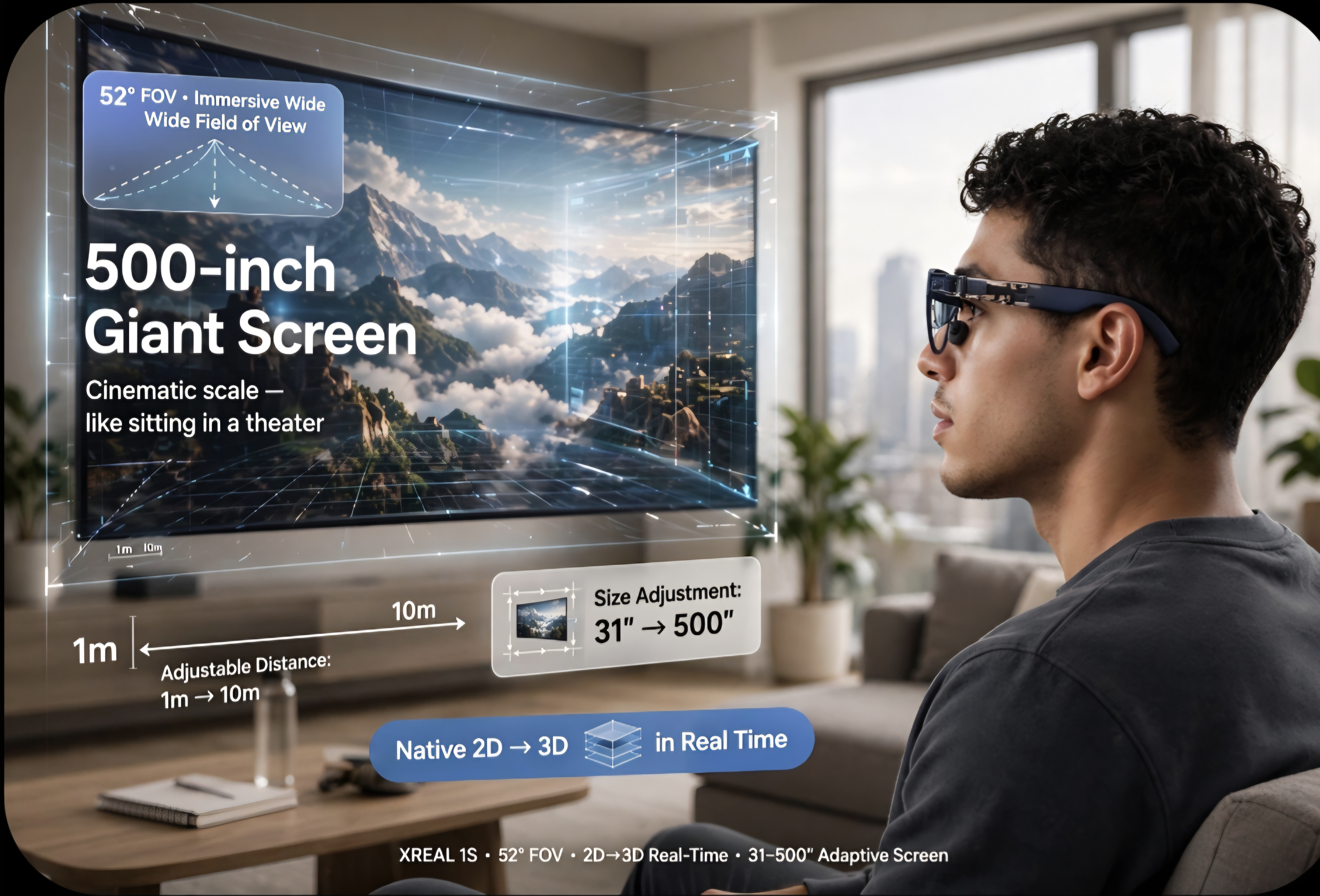
| Field of View | 52° immersive wide view |
| Virtual Screen Size | Adjustable 31–500 inches |
| Viewing Distance | Adjustable 1m – 10m |
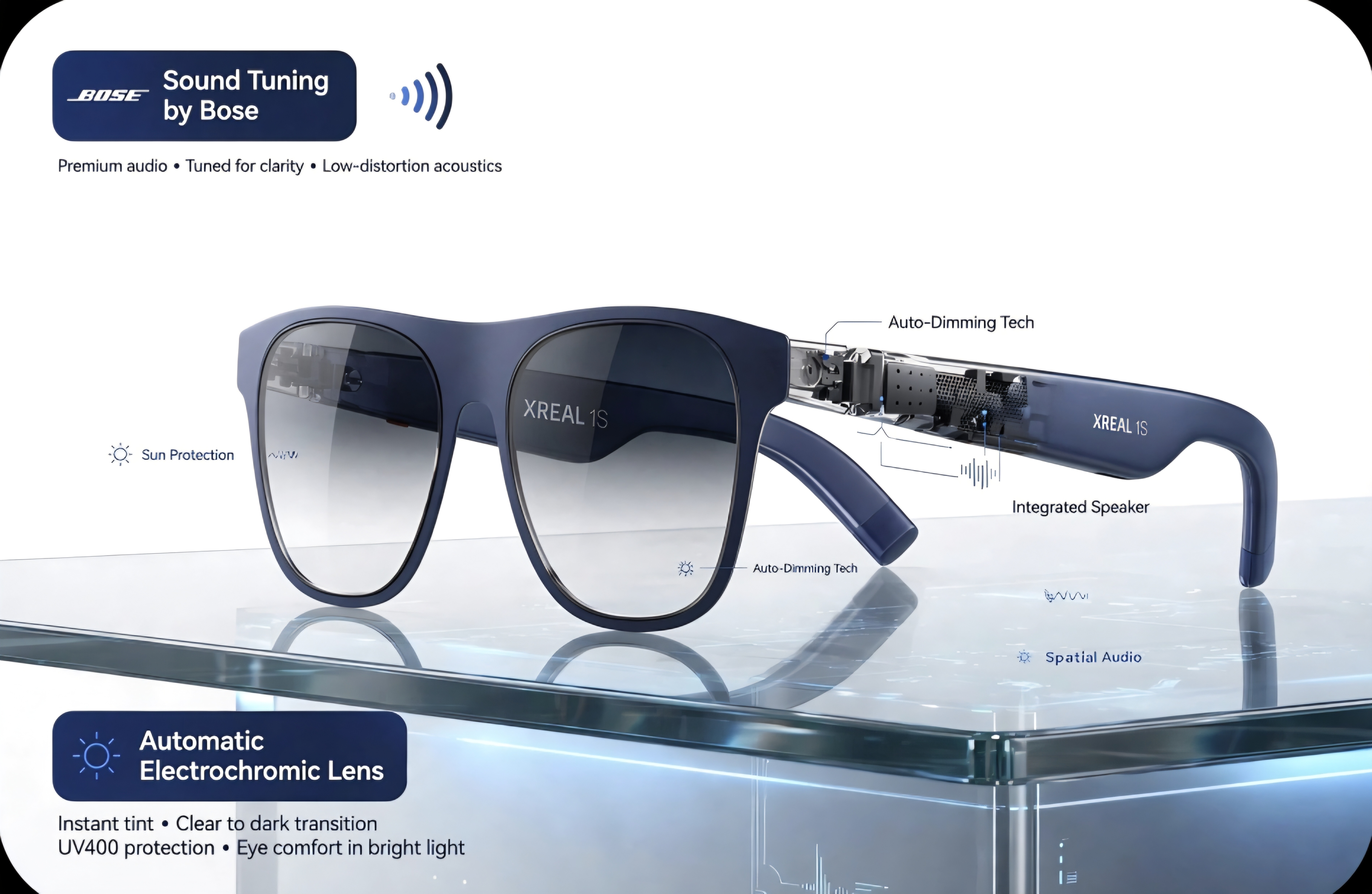
| Lens Technology | Automatic electrochromic auto-dimming lenses |
| Audio | Bose-tuned speakers with spatial audio |
| Connectivity | Universal USB-C plug & play (DisplayPort alt-mode) |
| Eye Comfort | TÜV Rheinland certified (low blue light, flicker-free) |
| Extras | Native 2D → 3D real-time conversion, AI voice wake-up |
Who Should (and Shouldn't) Buy the XReal Air 1S?
No product is for everyone, and pretending otherwise helps nobody. Here's our honest take after living with the specs and the community feedback:
Buy them if you are…
- A frequent traveler who wants a private cinema or office at 35,000 feet.
- A handheld-gaming owner (Steam Deck, Switch, ROG Ally) craving a theater-sized screen.
- A remote worker who needs a private, multi-window workspace in shared spaces.
- A media lover who values eye comfort, thanks to the TÜV-certified low-blue-light panels.
Wait a moment if you…
- Need a fully standalone AR computer with no host device — the Air 1S is a display, not a PC.
- Want full VR isolation with hand tracking — this is a see-through display, by design.
- Use an older Lightning-only iPhone without a USB-C video adapter.
Why the XReal Air 1S Fits the Voltica Philosophy
At Voltica, we don't curate or build gear just because it has flashing lights or trendy buzzwords attached to it. We look for hardware that solves real friction points for people who demand performance.
The XReal Air 1S represents a genuine leap forward because it respects your mobility without compromising your visual standards. It turns dead time into productive time, transforms ordinary travel into an immersive experience, and gives you back the screen real estate you left behind at your desk.
"Technology shouldn't weigh you down or isolate you from reality; it should expand what's possible in your everyday environment. If you're ready to experience your media and workflow on a completely different scale, this is your entry point."
XReal Air 1S: Frequently Asked Questions
Do the XReal Air 1S work with iPhone and MacBook?
Yes. Any device that supports video output over USB-C (DisplayPort alt-mode) works plug-and-play, including MacBook and USB-C iPhones (iPhone 15 series and later). Older Lightning-based iPhones require a compatible USB-C video adapter.
Do the glasses need a computer or phone to work?
Yes. The XReal Air 1S is a wearable display, not a standalone computer. It has no built-in battery or operating system: it plugs directly into a laptop, smartphone, or handheld console via a single USB-C cable and mirrors or extends that device's screen.
Can I use prescription lenses with the XReal Air 1S?
Yes. The XReal Air 1S supports optional prescription lens inserts that mount inside the frame, so glasses wearers can enjoy a sharp virtual screen without wearing two pairs of glasses.
How are the XReal Air 1S different from a VR headset?
Unlike VR headsets, the XReal Air 1S does not isolate you from reality. Its transparent micro-OLED optics project a private virtual screen while you still see your physical surroundings, in a form factor that weighs about as much as regular sunglasses.
Ready to Transform Your Setup?
Stop settling for tiny screens and neck strain when you're on the move. Step into the next generation of portable displays and see what you've been missing.
— The Voltica Team